


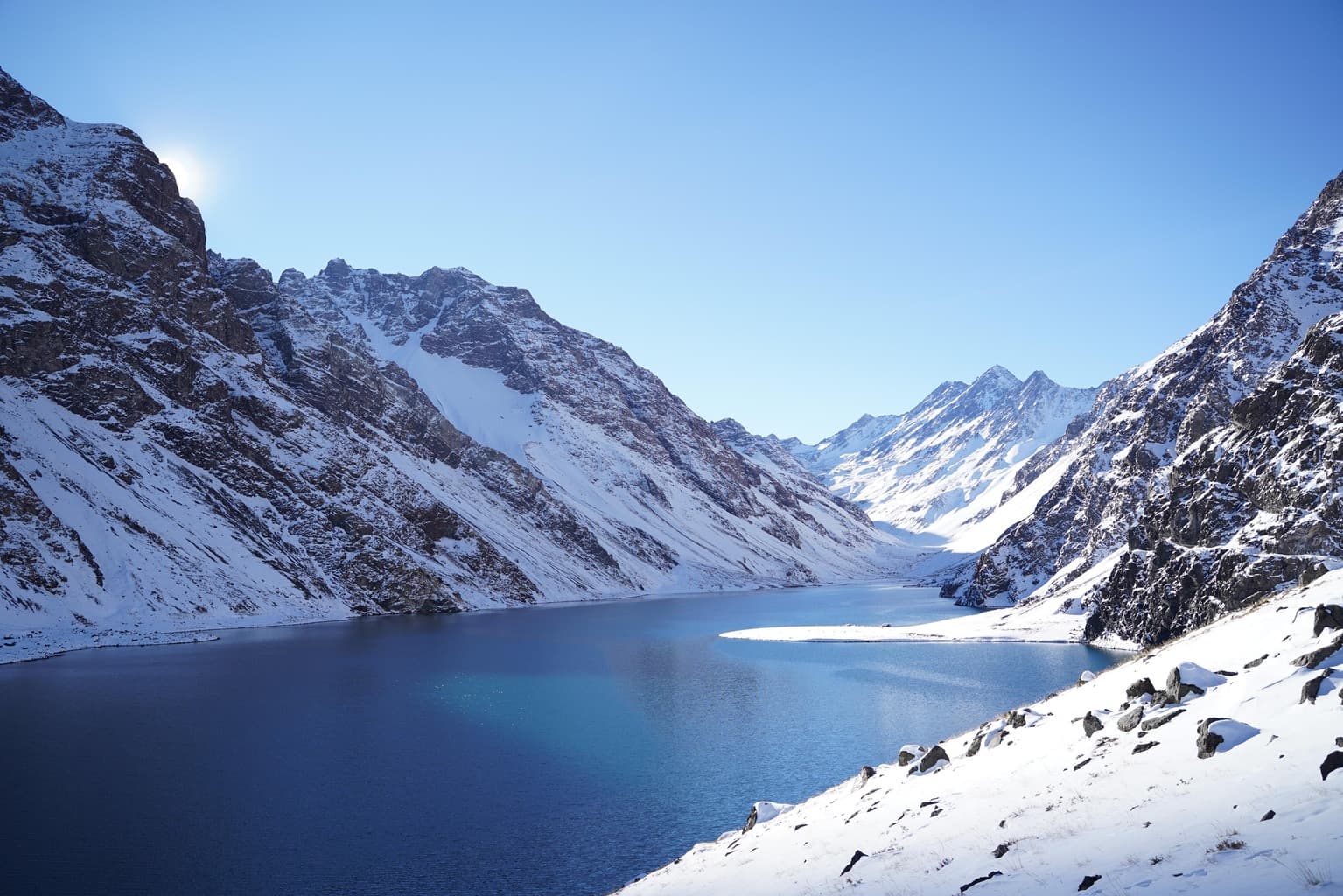
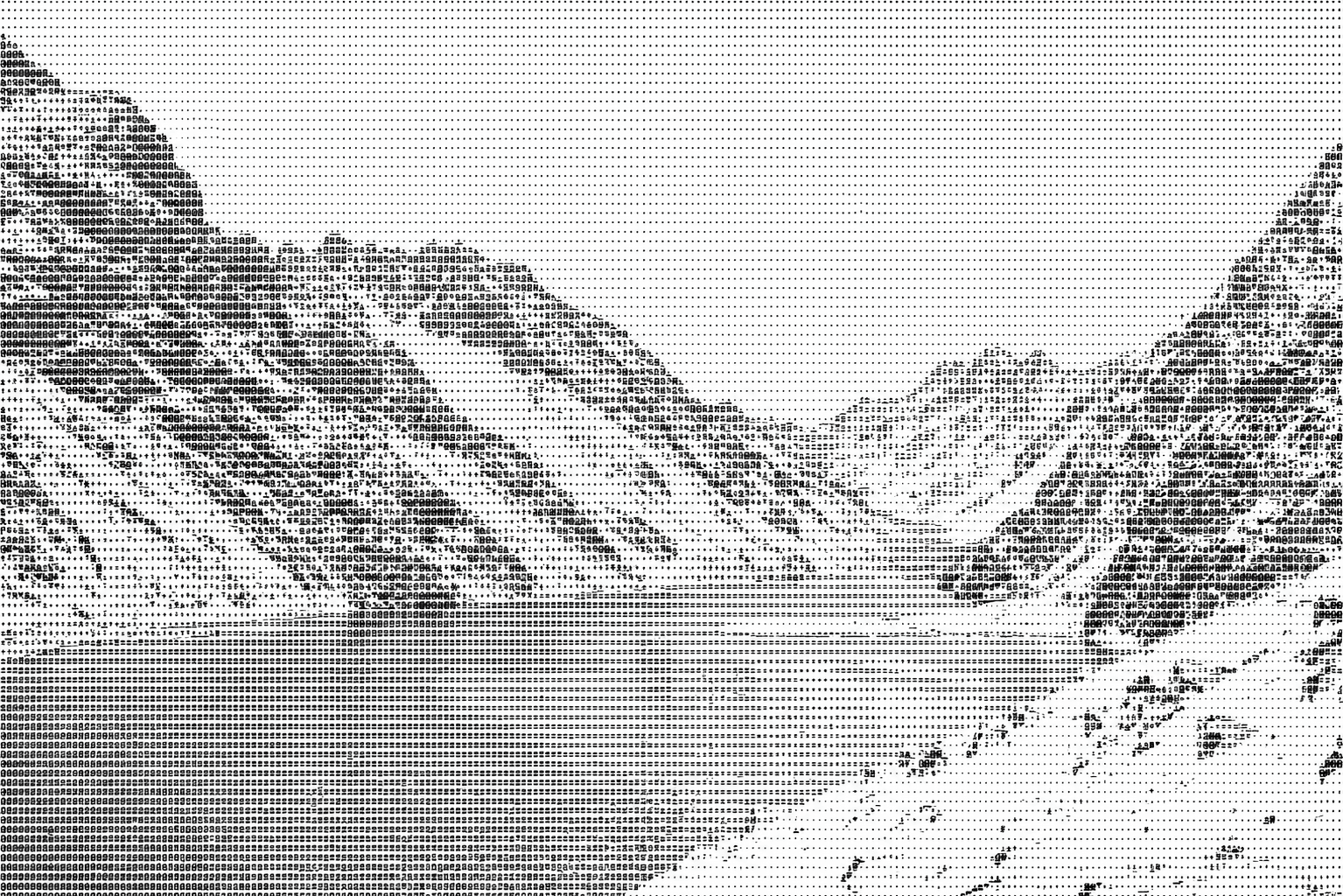
Turn Images IntoBeautiful ASCII Art
Upload an image, tune density, width, brightness, contrast, character sets, and themes, then generate ASCII artwork for sharing, showcasing, or creative experiments.
4.9/5 from 3,200+ users
Before

After

Upload, tune, preview, and export in one converter panel
The converter now handles the full workflow in one place: upload a source image, choose a style and color mode, refine settings, then copy or download the result immediately.
Style
Color Mode
Settings
Your ASCII art will appear here
Upload an image and adjust settings to see the result
More than a converter, it is a controllable creation panel
Character Density Control
Choose sparse or dense layouts depending on whether you want readability or finer detail retention.
Output Width Tuning
Adjust the column count for terminals, posters, cards, and wide social media visuals.
Brightness and Contrast
Improve structure in scenes like snow, architecture, or night shots before conversion.
Color ASCII Mode
Preserve the original palette while still presenting the result through ASCII characters.
Multiple Character Sets
Switch between standard, block, and linear character sets to find the right style faster.
Edge-Enhanced Preview
Emphasize silhouettes, ridgelines, and other important contours before export.
Before and After Comparison
Keep the original and the generated output side by side to evaluate each adjustment clearly.
Theme Presets
Use dark terminal, clean light, or colorful showcase styles without rebuilding settings every time.
Nine images covering the current conversion output
The grid below shows one source image and eight generated outputs, covering all four styles in both mono and color modes.

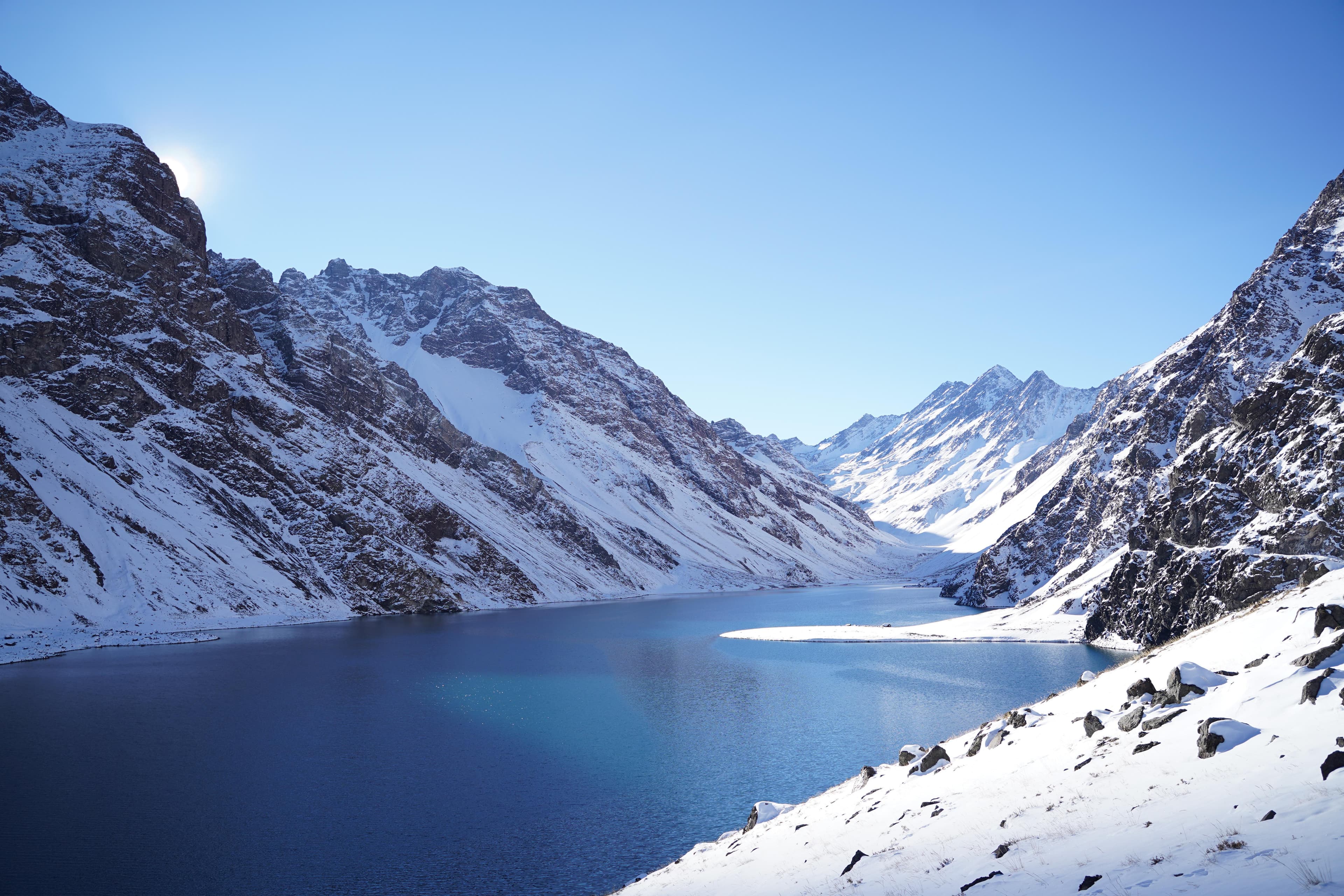
Source Image
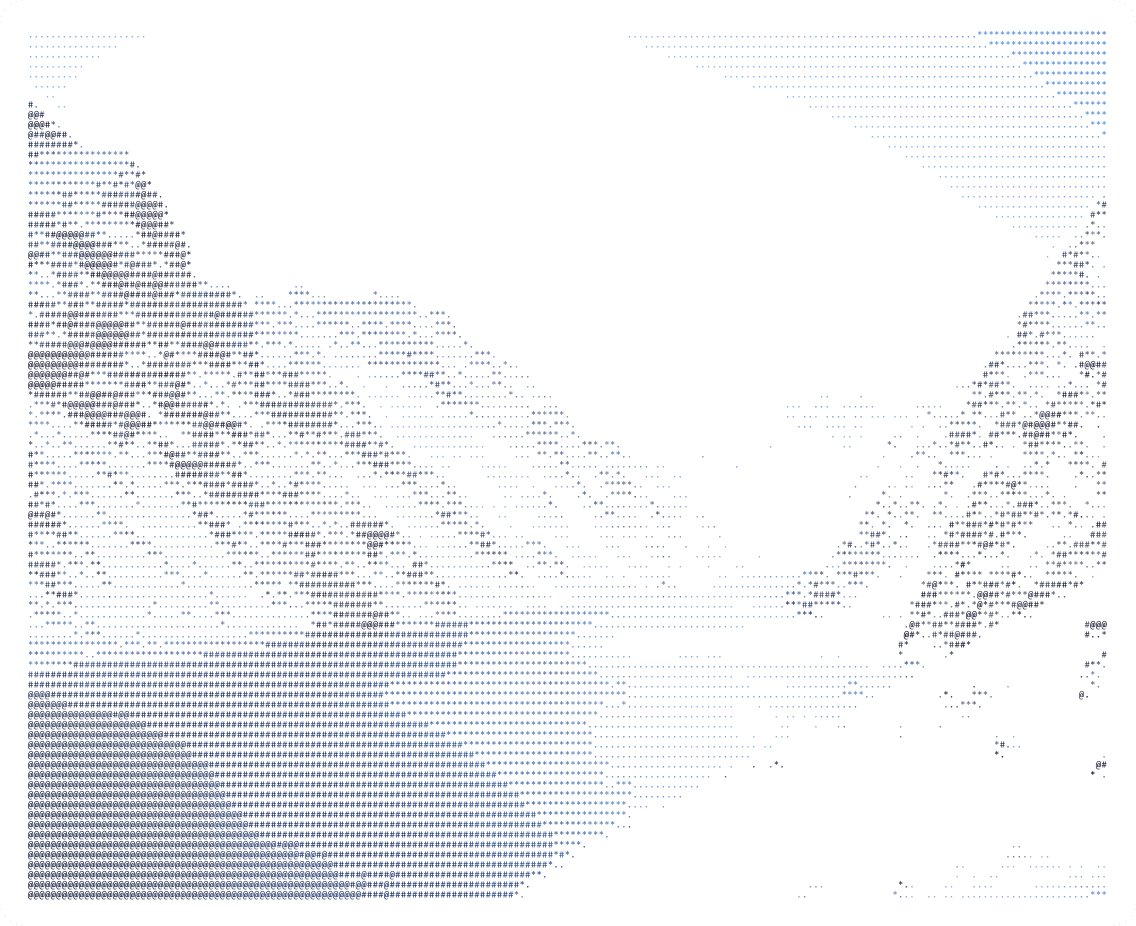
The original mountain lake image used to generate every result below.

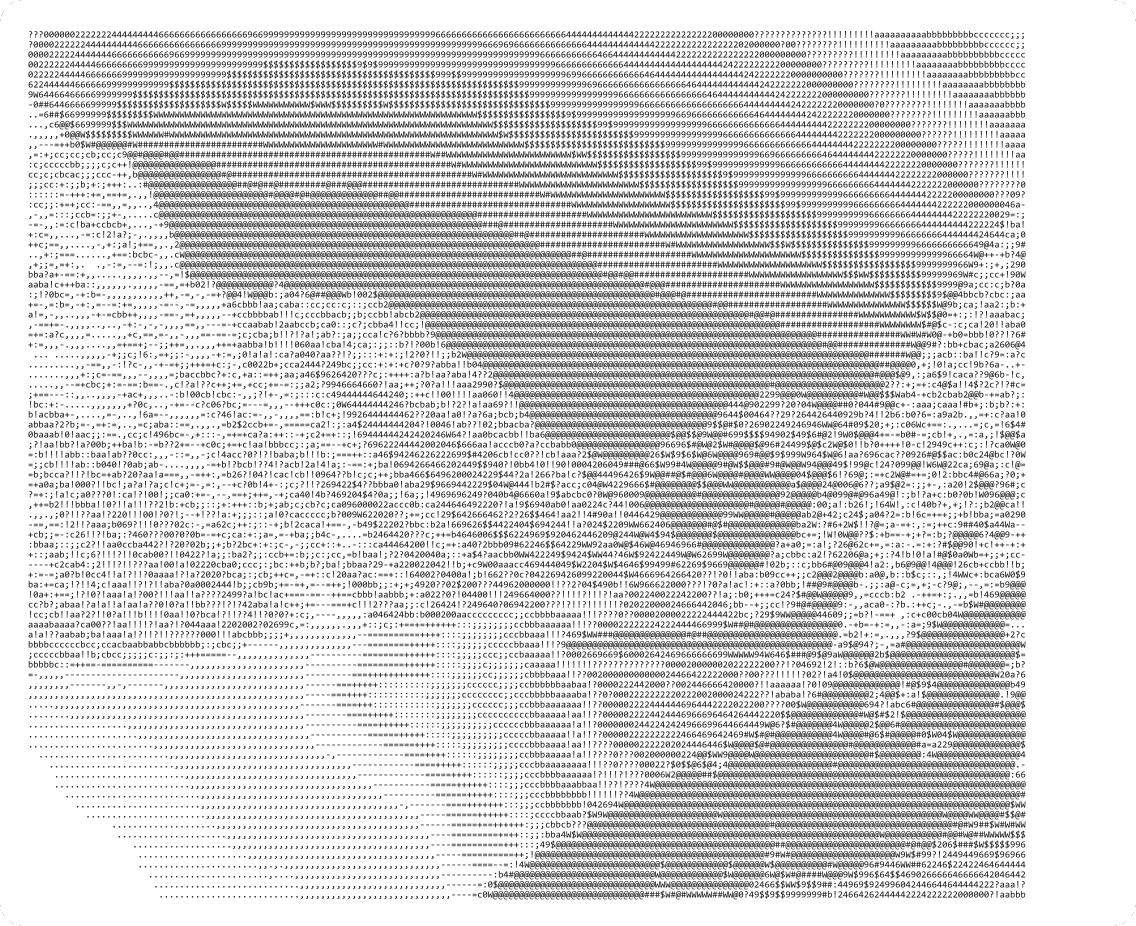
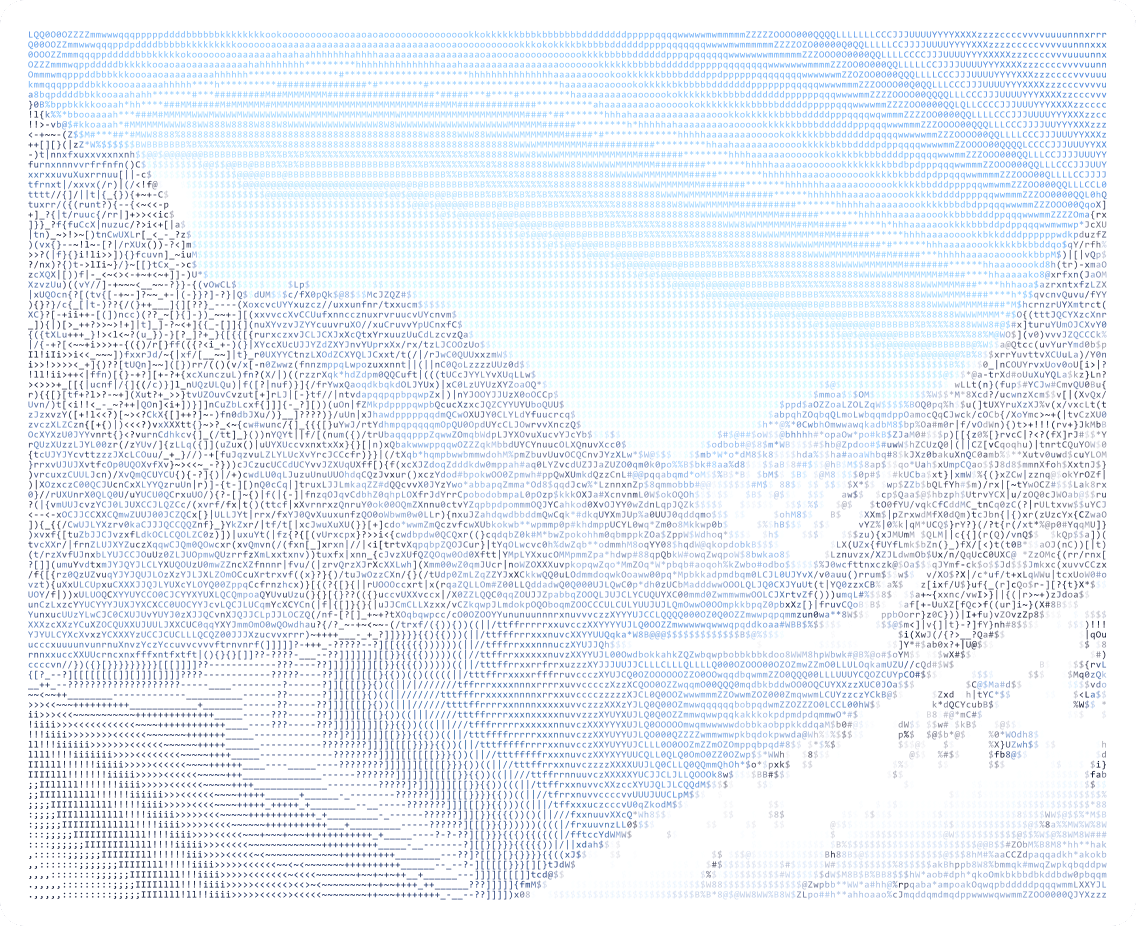
Standard Mono
Balanced grayscale output using the standard ramp for a clean all-purpose result.

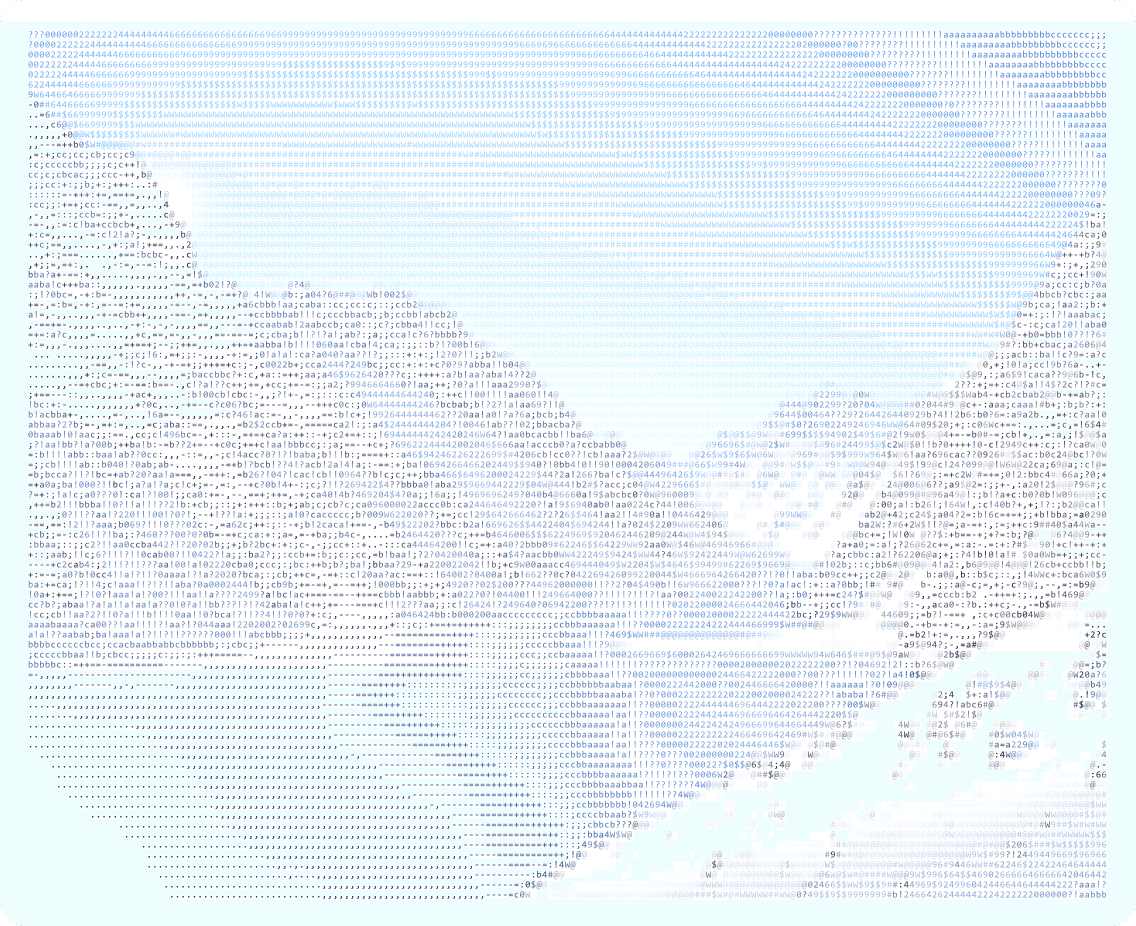
Standard Color
The same standard structure, but with the original palette preserved in each character.

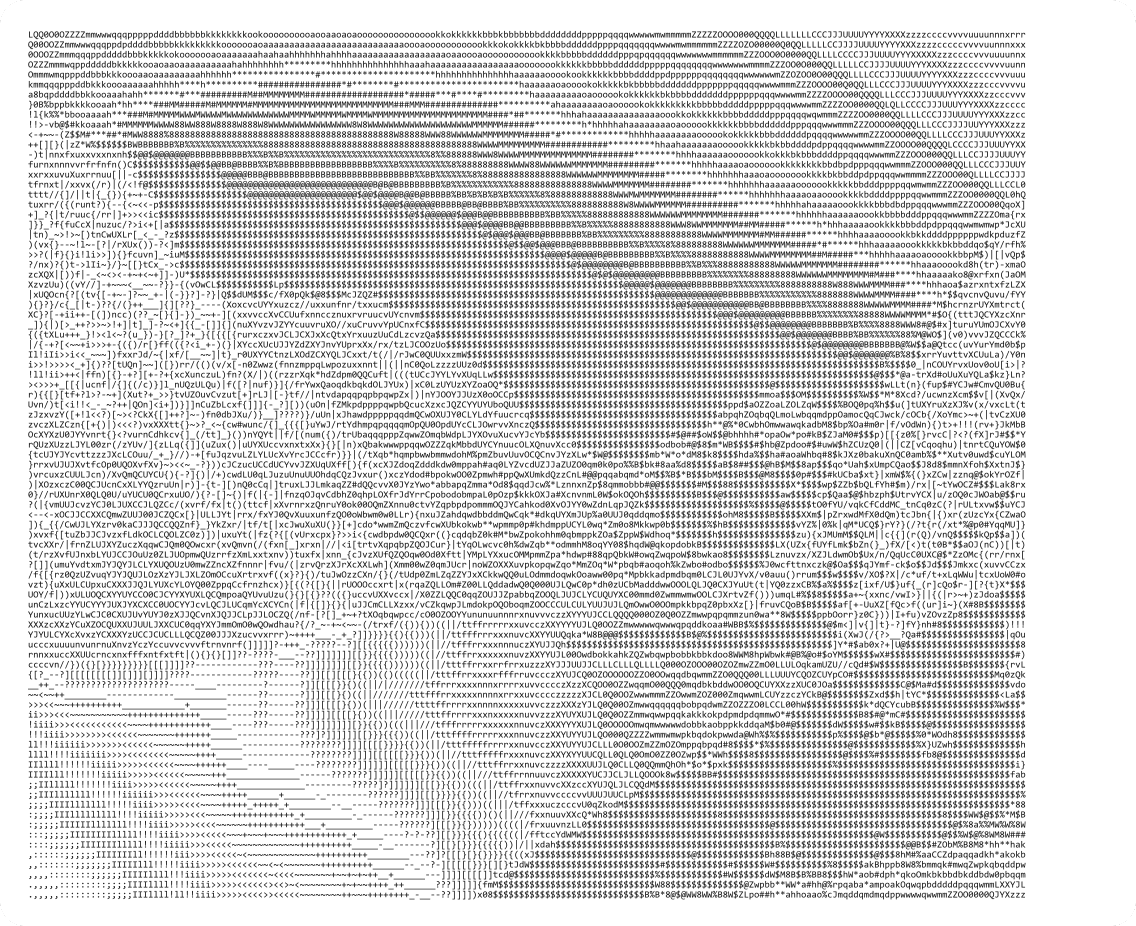
Dense Mono
A denser character ramp keeps more texture in the mountain ridges and shoreline.

Dense Color
High-detail output with color retained for a more vivid showcase treatment.

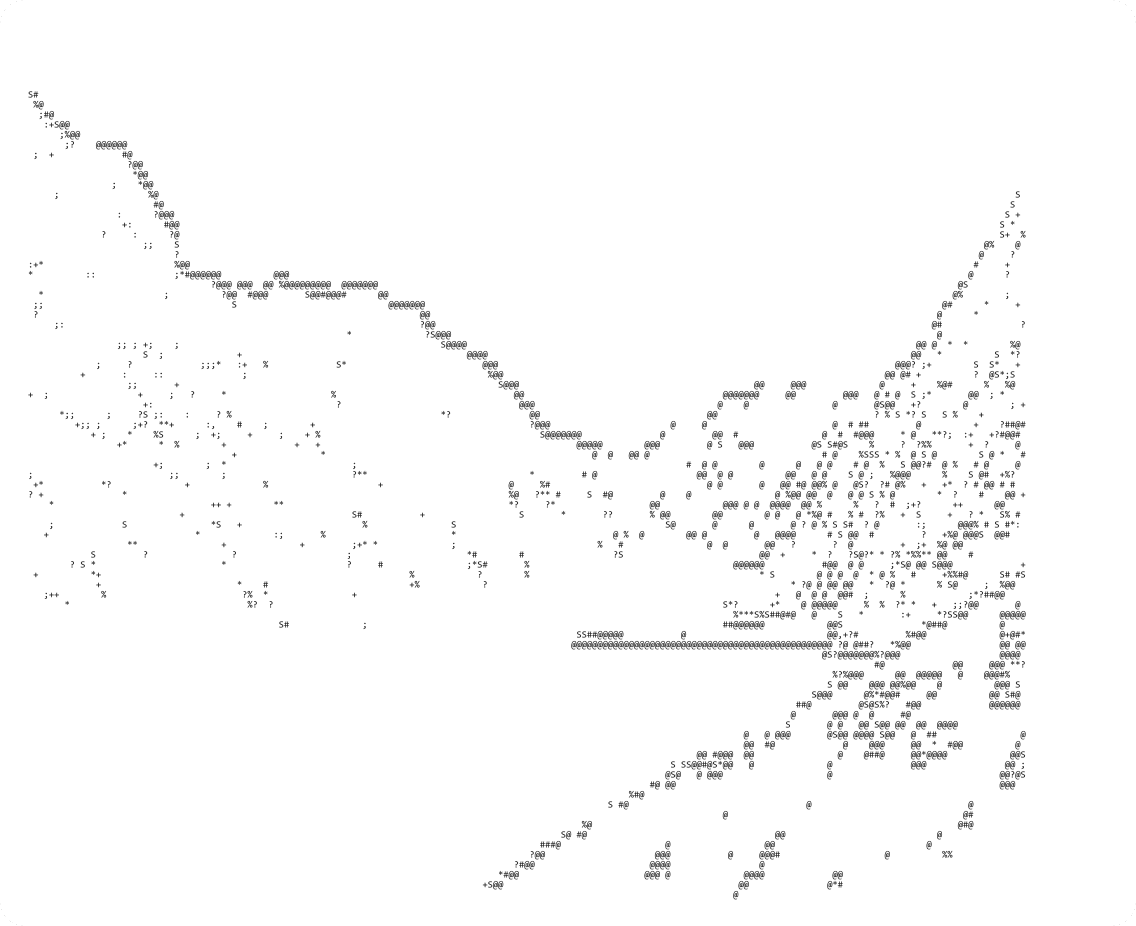
Minimal Mono
Edge-driven mono output that simplifies surfaces and emphasizes major contours.

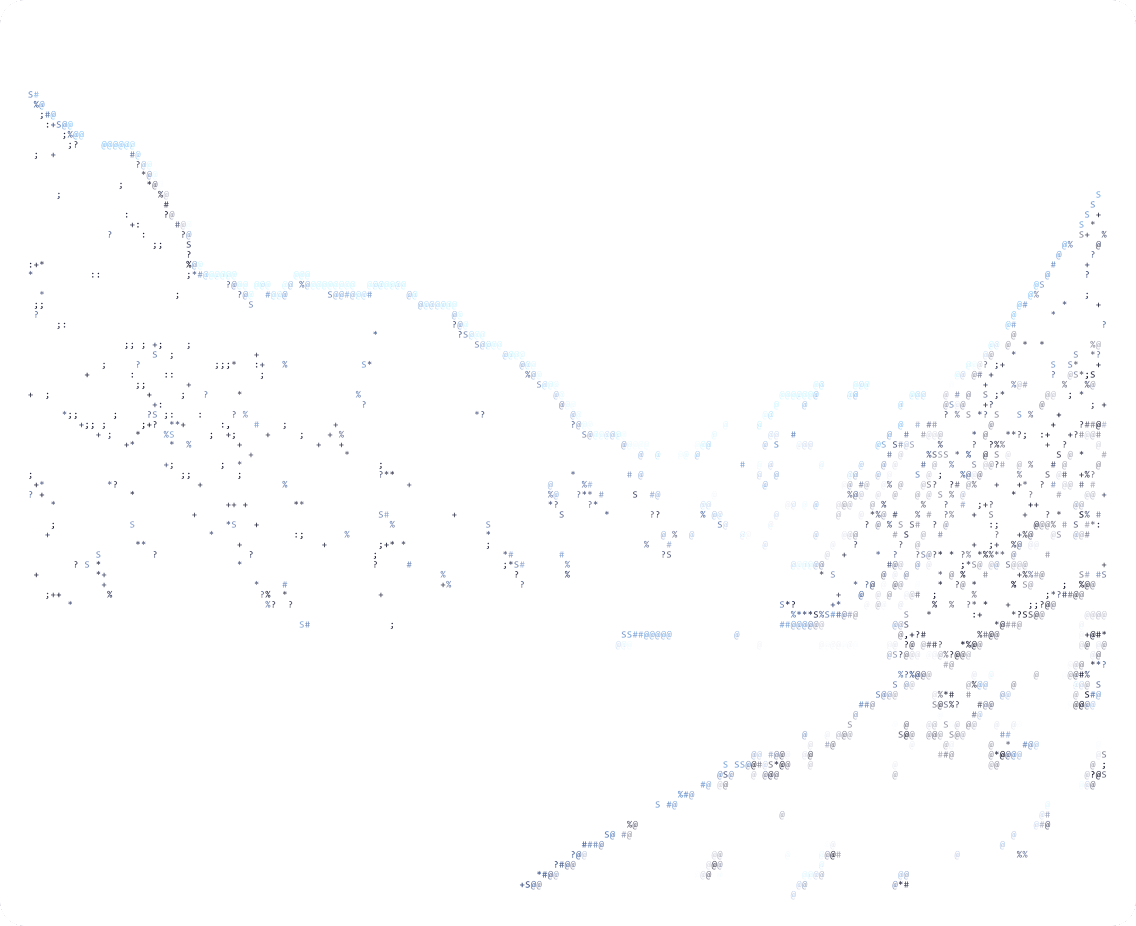
Minimal Color
The same sparse contour treatment with color accents carried from the source image.

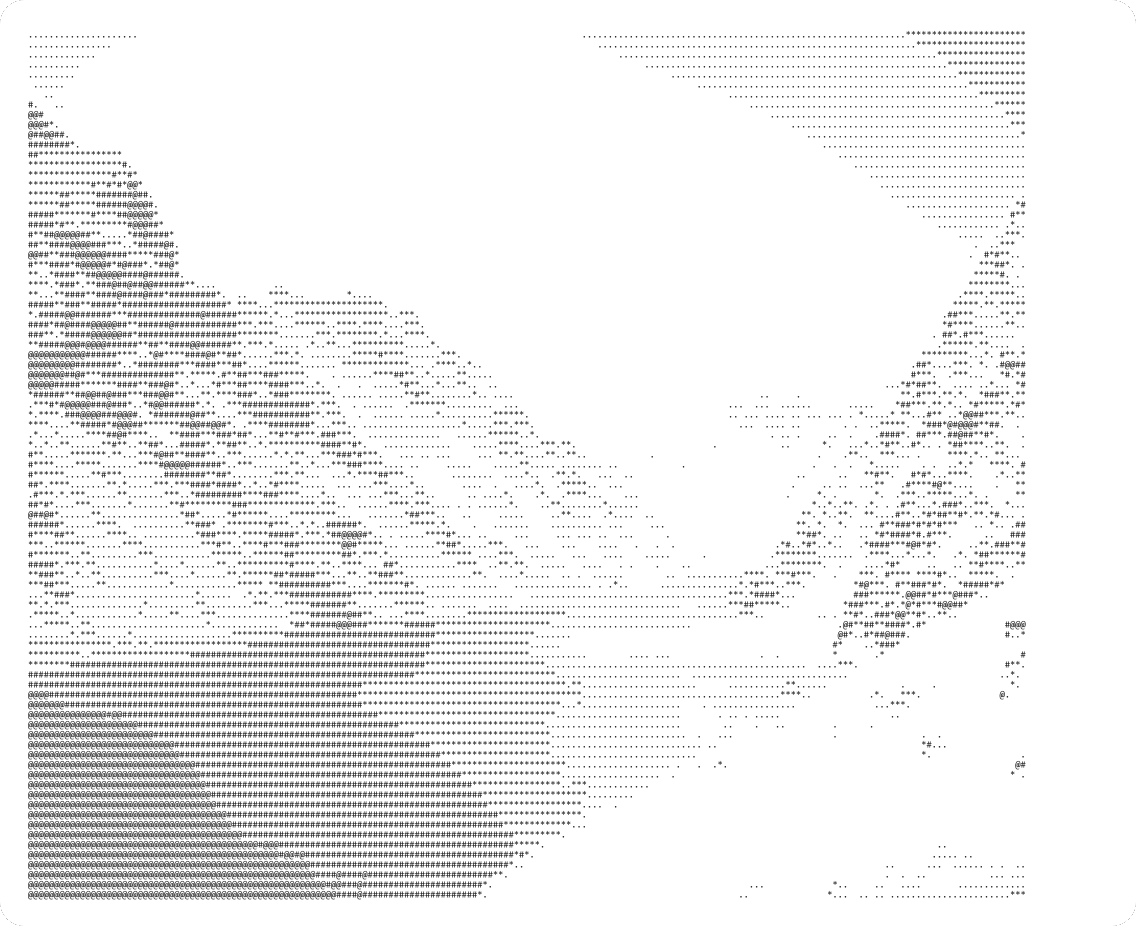
Matrix Mono
Dot-based mono output for a lighter, more stylized technical texture.

Matrix Color
The matrix-style dot treatment combined with the image colors for a brighter display result.
The steps now match the live converter flow
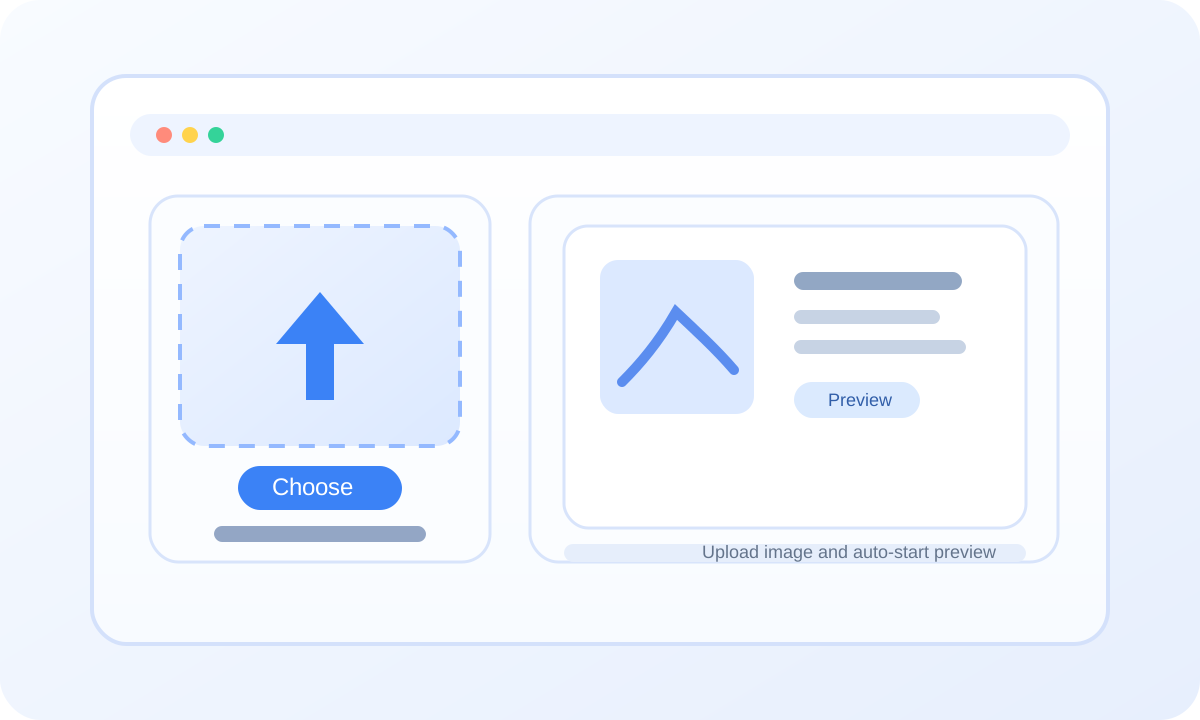
Upload an Image
Drop in a PNG, JPG, JPEG, or WEBP image to populate the source panel and start generating a live ASCII preview.
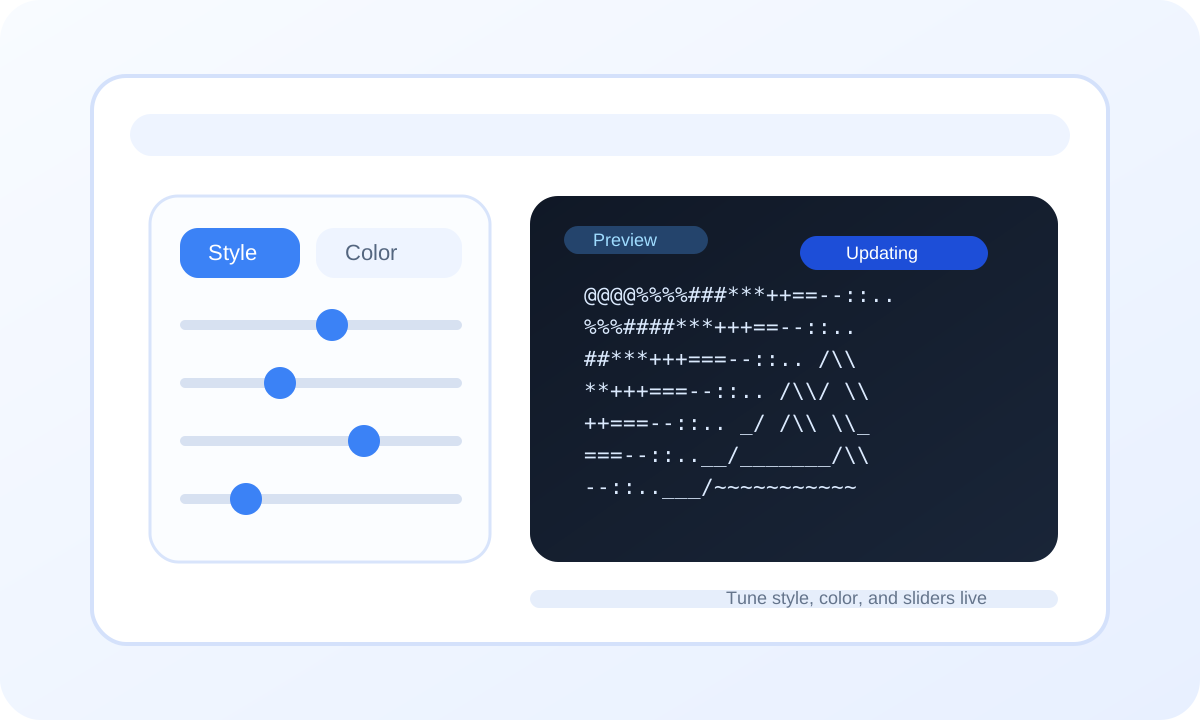
Choose Style and Tune Settings
Switch presets, toggle mono or color mode, then adjust density, contrast, brightness, detail, and smoothing while the preview refreshes.
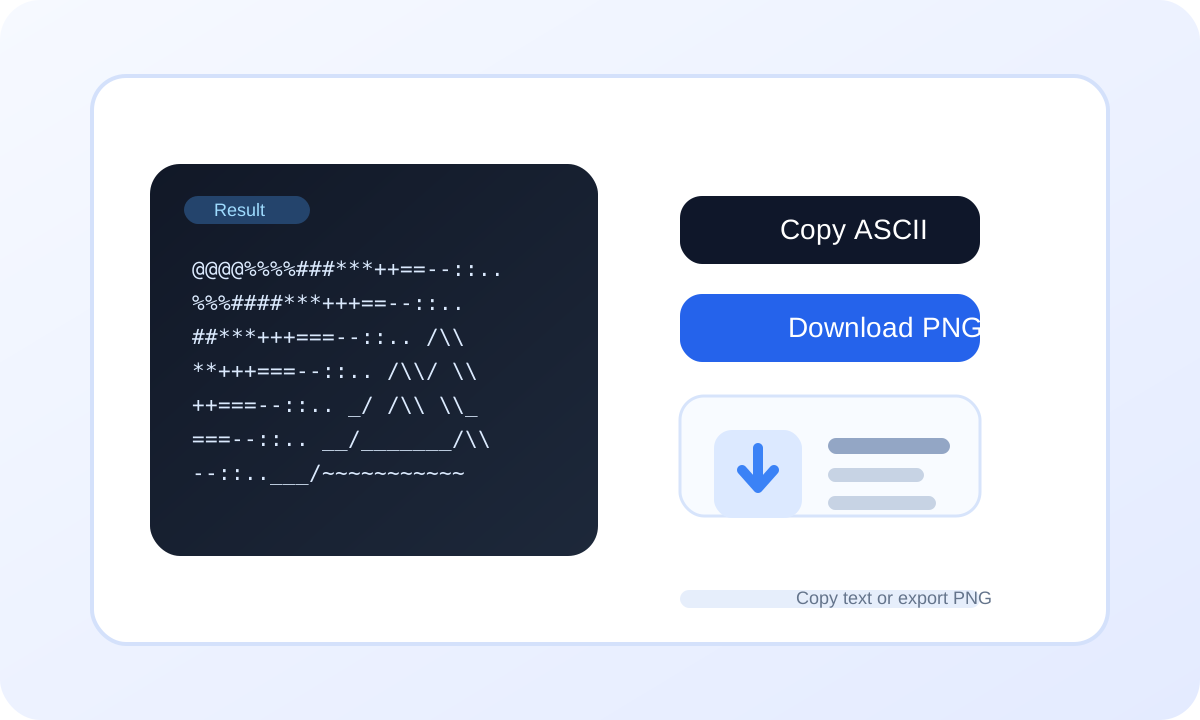
Copy or Download the Result
Once the preview looks right, copy the ASCII text or download the rendered PNG without leaving the converter.
Feedback from different kinds of users
Liam Chen
Brand Designer at North Studio
"High contrast mode is the one I use most. It keeps edge detail strong in cover images."
Sophia Zhang
Frontend Developer at SaaS Lab
"I no longer need to manually fake terminal visuals for docs. The output is usable immediately."
Mike Chen
Travel Photographer
"The layering in the mountains and lake survives better than I expected."
Olivia Wang
Product Manager at Pixel Cloud
"The parameter example section makes each control easy to explain during reviews."
Emma Lin
Editorial Illustrator
"The block character set works especially well for poster backgrounds."
Noah Zhou
Frontend Engineer at DevFrame
"Side-by-side comparisons make design discussions much more concrete."
Ava Zhao
Campaign Art Director
"Color ASCII is much easier to integrate into campaign pages than plain monochrome output."
Answer the key questions before users need to ask
Common formats like JPG, PNG, and WEBP are supported. For high-resolution images, keeping the original aspect ratio usually gives better results.